

Using Video as a Reflection
Adam Geller explains how video coaching lets schools give teachers individualized, ongoing professional development without stretching budgets.

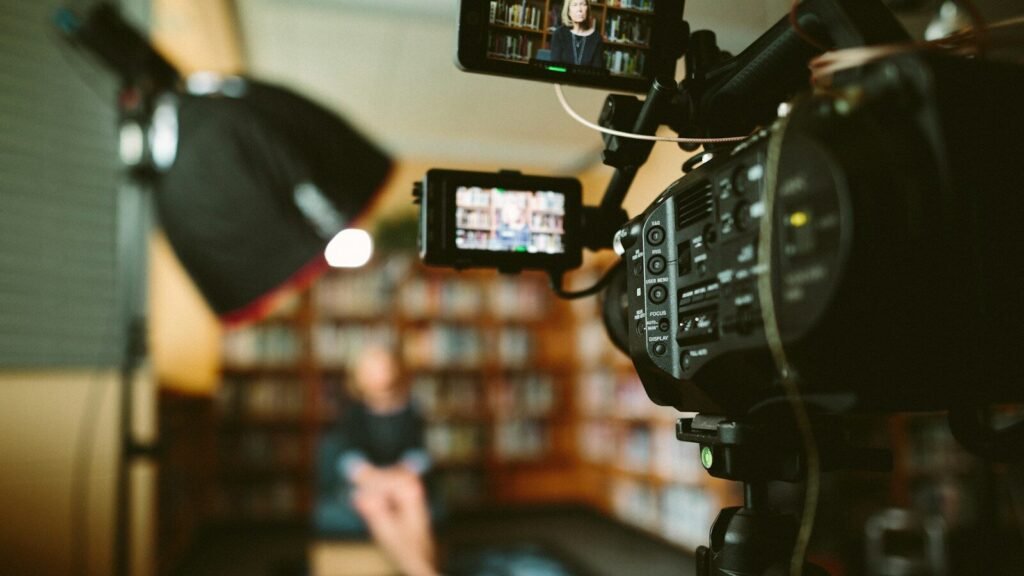
Video coaching can transform the professional learning process.
Transforming traditional teacher PD with video coaching
by Adam Geller
Using video as a reflection tool gives teachers an objective record of their own teaching. A recorded lesson lets a teacher, a coach, or a colleague review what happened, add time-stamped notes, and talk about it, without anyone needing to be in the room at a set time. The result is individualized, ongoing professional development that schools can afford to sustain.
Why Schools Are Turning to Video Coaching

One way schools and districts are meeting this demand is by taking a technology-enabled approach to professional learning, using video coaching as an alternative to a system of in-person observation alone. Having a lesson recorded on video reduces the need for administrators, coaches, or colleagues to physically visit a teacher’s classroom at a specific time.
How Video Reflection Works
With a technology-enabled reflection process, teachers take an active role. They record and share video of their classroom practice with others, who add time-stamped annotations while the teacher analyzes the same video.
Video observation can also give instructional coaches and colleagues access to classrooms that might otherwise be out of reach. In South Dakota, for example, new teachers are paired with mentor teachers across the state who visit and observe their classrooms virtually.

Three Benefits of Using Video in Teacher Professional Learning
If you’re on the fence about adopting an online video analysis process, here are three benefits to consider, adapted from the research we conducted for the book:
- Video gives teachers a mirror. Instead of relying on the teacher’s memory or an observer’s notes, video serves as an objective record. It can show evidence the teacher did not see in real time during instruction. And looking back on video clips can give teachers the cognitive space they need to analyze their instruction more productively.
- Video helps build instructional communities. Powerful learning is possible when teachers work in networks that make viewing peer video a central activity. Several studies have found that teachers’ participation in video professional learning communities helped build vital professional knowledge and improve their practice.
- Video helps teachers see themselves as their students do. John Hattie’s “Visible Learning” argues that teachers need to be able to see learning in their classrooms through the eyes of their students. Video gives teachers a way to see directly how their teaching affects student participation and learning.
How to Start Using Video as a Reflection Tool
Teachers and coaches who are new to video reflection can begin with a few simple steps:
- Pick one focus. Choose a single question before recording, such as how students respond to questions or how a transition goes, so the review has a purpose.
- Record a short segment. A short part of a lesson is easier to watch closely than a full class period.
- Watch it yourself first. Note what you see before sharing, using time stamps to mark moments worth discussing.
- Share with a trusted coach or colleague. Ask them to annotate the same moments and to describe what they see before offering suggestions.
- Agree on one next step. Choose a change to try, then record again to see whether it made a difference.
- Protect privacy and trust. Follow the school’s rules on recording students, keep videos within the agreed group, and make it clear that reflection videos are for growth.
Making Video Coaching Work
 Like any initiative, video coaching involves planning logistics, developing a smart strategy, establishing a supportive culture, and carrying it out well day in and day out. When this is done with fidelity, video coaching can transform the professional learning process for administrators, coaches, and teachers alike.
Interested in learning more? Watch this past video interview with edCircuit.
Further Reading
- TeachThought – 22 Apps To Make Videos In The Classroom
- Edutopia – How to Use Online Video in Your Classroom
- EdTechTeacher – The Video Classroom
Related reading
More on Professional Development