
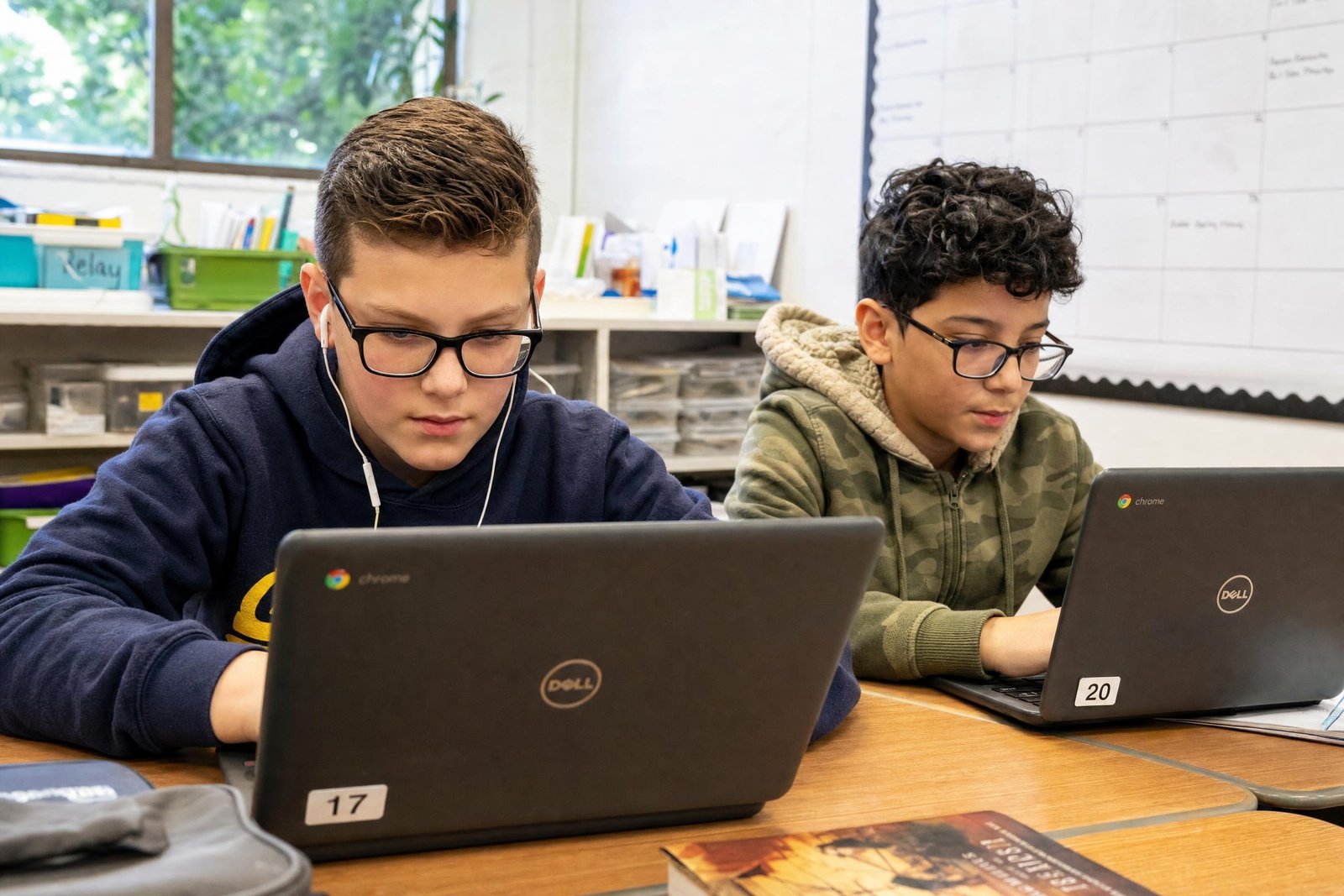
What steps do you take to help students better navigate digital spaces? We know that effectively using digital spaces requires students to understand how to conduct an online search, find information, and anticipate where to click on a screen as they move from one page to the next. This is an essential practice for students, a skill that transfers from one learning experience to the next.
Modeling as a Practice
In this excerpt from my new book, EdTech Essentials: The Top 10 Technology Strategies for All Learning Environments, I share tips for modeling how to navigate digital spaces. It includes a few strategy ideas you can customize for your specific learning environment:
Establishing clear expectations and modeling for students will set them up for success as they practice navigating online spaces. Although we all know how easy it is to get distracted in online spaces, setting and sharing a clear purpose for time spent online will help students stay on track. When modeling for students, you might “think aloud” to demonstrate what you are thinking as you move through an online space, such as “This link looks interesting, but it is not going to help me find the answer to my question” or “I love videos like this, and maybe I’ll watch it later; but right now, it is not going to help me accomplish my goal.”
Tips to support students’ online searches
• Share keyword search strategies, such as using a phrase instead of a complete sentence or question.
• Brainstorm potential keywords and search terms with students before sending them off on their own.
• Post common search queries for your topic so students do not have to worry about spelling errors, which can lead to unhelpful results.
• If the results of their search queries are not helping them find useful information on the topic, remind students to check for misspellings, or encourage them to try a new keyword or phrase.
• Inform students that voice-to-text search options are available on many websites and mobile apps but will require them to grant the tool permission to use their device’s microphone.
• Introduce students to advanced-search options to help them find a specific type of result or file. For example, Google and YouTube have advanced-search options to let users search for content published in the last few months or the previous year.
The amount of time you allocate for students to navigate online spaces will depend on the task. To extend these experiences and provide more opportunities for student exploration, you can have them participate in activities such as a “scavenger hunt” that asks them to find the answers to a series of questions. If you find yourself in a teachable moment where a student asks a question you cannot answer yourself, you might ask the class to search for the answer to the question. Although you might not pause your planned instruction that very moment, you can revisit the question to model an online search or ask students to find the answer later.
Navigating with Purpose
As you examine your goals for this school year, you may find a need to place a larger emphasis on how students effectively navigate online spaces. Instead of creating a lesson with the objective of, “Students will be able to click on a link” or “Students will know how to use voice to text” you can incorporate these practices alongside content area goals. Students can examine links in a current events article as you read about a recent global issue, or they can use a voice to text search as they conduct research for an upcoming project.
The ability to navigate digital spaces is an essential practice, and students can learn through teacher modeling and the application of these skills in authentic contexts.
Further Reading
- edCircuit –
- edCircuit –
- edCircuit –
Related reading
More on Digital Citizenship