


 EdCircuit Staff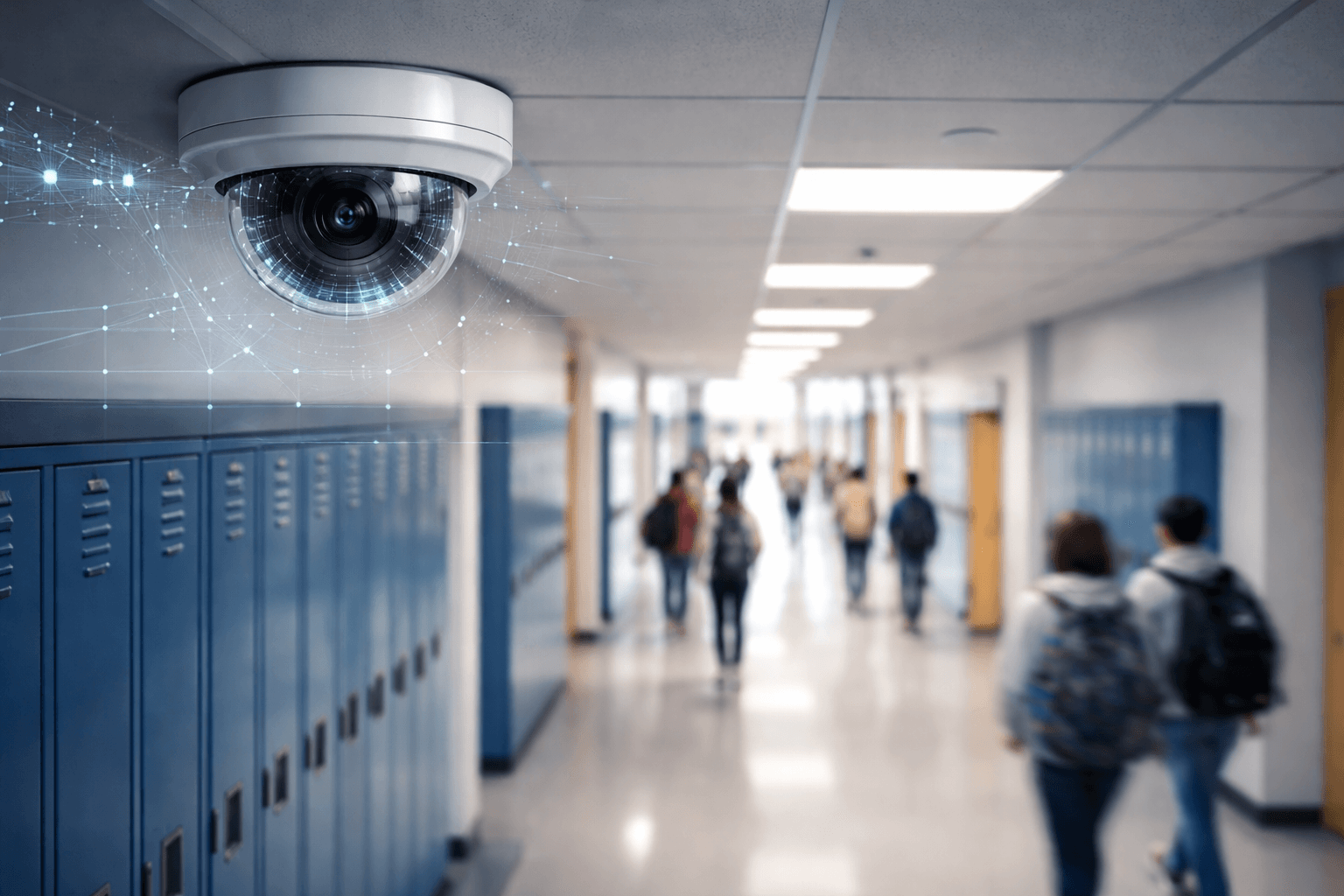
Security cameras are now in nearly every American public school. Ninety-three percent of public schools used security cameras to monitor the school in 2021–22, up from 61 percent in 2009–10, according to the National Center for Education Statistics, including 97 percent of high schools. Most students walk under them every day without noticing.
School surveillance has also moved beyond the hallway camera. Cameras ride on buses, monitoring software watches what students type on school laptops, and some companies now sell artificial intelligence that can search hours of video or recognize faces. Each step brings real safety benefits and real questions about privacy. This article explains where cameras are used in schools, who can see the footage, whether schools can watch students through school laptops, and what district leaders and families should decide.
Why schools use cameras
School cameras are added for practical reasons. Modern network cameras are cheaper and easier to manage than older systems, and administrators can review footage from a computer or phone. Districts face constant pressure to prevent violence, bullying, vandalism and unauthorized visitors across large campuses. And cameras provide something schools rarely have after an incident: a record of what actually happened. When two students fight in a crowded hallway and witnesses disagree, footage can settle the facts in minutes, which protects students and staff from false accusations as well as holding people accountable.
Where cameras are used, and where they are not
Most school cameras cover places where people have a limited expectation of privacy: entrances and exits, hallways, cafeterias, libraries, gyms, parking lots and outdoor areas. School buses are another common location, with cameras inside to monitor behavior and outside to catch drivers who illegally pass a stopped bus. edCircuit looked at bus systems in detail in School Bus Cameras and Student Privacy.
Cameras are not placed where people reasonably expect privacy, such as restrooms, locker rooms and changing areas. Classrooms are a more complicated case. Cameras in classrooms are legal in many places but remain controversial; some states allow or require them in special education classrooms when parents request them, while many teachers worry they could be used for evaluation or discipline.
Who can see school camera footage?
Access is usually limited to administrators, security staff and, when needed, police. Families often want to see footage after an incident involving their child, and the federal Family Educational Rights and Privacy Act sets the basic rules. Under the U.S. Department of Education’s guidance on photos and videos, a video becomes part of a student’s education record when it is directly related to that student and kept by the school. Parents then generally have the right to inspect and review it, although the school is not usually required to give them a copy. If other students appear, the school must blur or separate their images when it reasonably can before showing the video.
How long footage is kept is set by each district. Many systems record over old video automatically after a few days or weeks unless an incident flags it for saving, so a family that suspects a problem should ask the school promptly, and in writing, to preserve the footage.
Can schools watch you through your computer camera?
Schools are not supposed to turn on a student’s laptop camera to watch them, and the best-known case of a district doing so ended badly. In 2010, the Lower Merion School District in Pennsylvania was sued after it used tracking software on school-issued laptops that took webcam photos and screenshots, in what it called an effort to locate missing computers. A review found tens of thousands of images, including photos of a student at home, and the district paid $610,000 to settle two lawsuits.
What schools commonly do is monitor activity on school-issued devices and accounts. Monitoring tools such as GoGuardian Beacon scan browsing, searches, email and documents on school devices for signs of suicide risk, self-harm or threats, and alert staff. Families can ask their district which monitoring tools are on student devices, what they scan, who reviews the alerts and what happens next.
The data behind the cameras
Camera systems are also computer systems. Most modern cameras connect to school networks and cloud platforms, and every connected device is one more way into a district’s network if it is poorly secured. Districts already dealing with ransomware should treat camera systems like any other sensitive system, with strong passwords and multi-factor sign-in, regular software updates, limits on who can view video, separate network segments and careful review of vendors’ security practices.
Artificial intelligence and facial recognition
Newer video systems use AI to search footage, flag unusual activity and, in some products, recognize faces. Facial recognition could, in theory, take attendance or spot an unauthorized visitor, and it is also the use that has drawn the most opposition. New York banned facial recognition in its schools in 2023, when the state education department prohibited schools from purchasing or using the technology. Districts considering any AI video tool should know exactly what it collects, whether it identifies individuals, and how long the data is stored.
Cameras and school culture
Supporters of cameras point to deterrence, faster investigations and protection for staff and students alike. Critics worry about what constant observation teaches young people about privacy, and about cameras being treated as a substitute for adults who know students. Both concerns can be true at once. A camera can record a fight in a hallway, but it cannot resolve the conflict that caused it, and it cannot replace the relationships that make students willing to report a problem before it happens.
Questions every district should answer
Districts can earn families’ trust by answering a few questions publicly. What problems are the cameras meant to solve? Where are cameras placed, and is audio recorded? Who can view footage, how long is it kept, and how can families ask to see it? How are the systems secured? Will the district use facial recognition or other AI analysis, and under what rules? Communities will reach different answers, but writing them down, and sharing them, is what separates a safety measure from a surprise.
Related reading
Subscribe to edCircuit to stay up to date on all of our shows, podcasts, news, and thought leadership articles.
More on School Safety