For most of the past few years, the conversation about artificial intelligence in schools has been a conversation about text: students typing prompts, chatbots writing essays, teachers wondering what to do about it. A quieter change has been happening alongside it. AI tools that listen and AI tools that see are now part of the school day, often in places where the typed chatbot never reached.
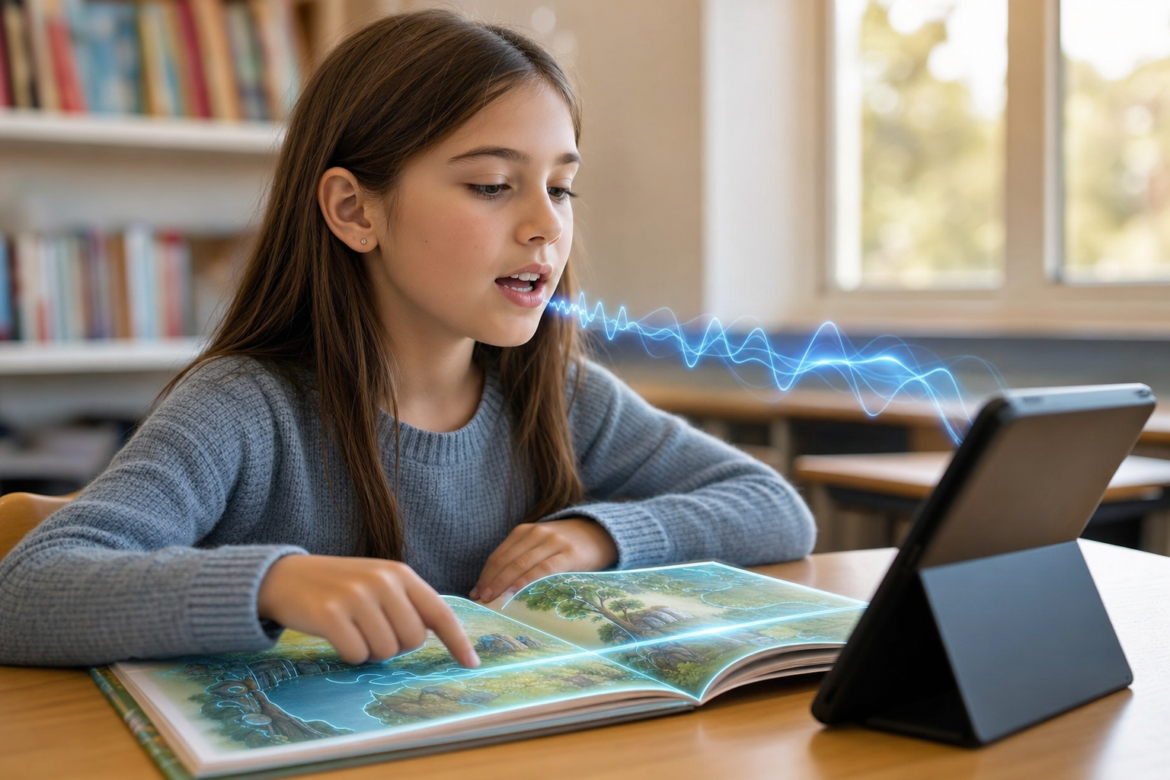
A first grader reads a short story aloud to a tablet, and software marks which words she stumbled on. A student who is blind points a phone at a worksheet and hears it read back. A science teacher photographs a student’s hand-drawn diagram and asks an AI model what the student seems to misunderstand. Each of these uses a different kind of AI than the chatbot, and each raises its own questions about evidence, accuracy, and student privacy.
This article looks at what voice and visual AI actually do in K-12 classrooms today, what the research supports, where the tools fall short, and what district and school leaders should check before adopting them.
What “voice AI” means in a classroom
Voice AI in schools mostly means automatic speech recognition: software that turns spoken words into data it can compare against a text or a task. The most established classroom use is reading practice.
Reading tutors built on speech recognition listen as a child reads aloud, follow along word by word, and respond when the child hesitates or misreads, much as a patient adult would. The idea is not new. Amira Learning, one of the better-known products, traces its foundations to Carnegie Mellon University’s Project LISTEN, a research program that spent years building a computer tutor that listens to children read.
What has changed is scale and cost. Google released Read Along, a free reading app for young children, in 2020. Google said at launch that the Android app processes the child’s speech on the device itself, works offline once stories are downloaded, and does not require an account. In 2022 the company added a web version that runs its speech recognition in the browser.
Beyond reading, voice tools appear in quieter ways: dictation for students who struggle to write by hand, spoken directions for younger children who cannot yet read them, and language practice tools that listen to pronunciation.
What the evidence shows, and what it does not
School leaders should be careful with the research behind voice tools, because much of it comes from the companies that sell them.
The Florida Center for Reading Research reviewed Amira and reported that it is rated “Promising” by Evidence for ESSA for grades K through 5. In the study behind that rating, students who used the tutor scored significantly higher on a standardized reading test than students who did not, with an effect size of +0.64. The center also noted the limits: the sample was small and came from a single affluent, largely white suburban district.
That is a meaningful result, and it is also a narrow one. Larger claims, such as a tutor matching human tutoring after a set number of sessions, appear in vendor and publisher materials, and the underlying studies are not always easy to examine. A district does not need to dismiss those claims, but it should ask for the full studies, look at who was in them, and compare those students with its own.
Where speech recognition struggles
Children are harder for speech recognition than adults. Researchers point to children’s shorter vocal tracts, their slower and more variable speaking rate, and pronunciation that is still developing.
The gap can be large. Researchers at the University of Colorado’s AI institute reported that a model trained on elementary school speech had a word error rate of about 9 percent on children of the same age, but about 46 percent when it was tested on ninth graders. A tool tuned for one age group cannot be assumed to work for another.
Accent matters as well. A study commissioned by The Washington Post found that popular smart speakers were about 30 percent less likely to understand people with non-American accents. In a classroom, that kind of error does not stay inside the software. If a reading tool marks a correctly read word as wrong because of a child’s accent, the child, and possibly the teacher, may conclude the child read it wrong.
The practical lesson for schools is to test a voice tool with their own students before relying on its scores, especially for English learners, students with speech or language needs, and the youngest readers, and to treat its output as one piece of information rather than a verdict.
What “visual AI” means in a classroom
Visual AI covers tools that interpret images: photos, scanned pages, handwriting, diagrams, and live camera views. Two uses stand out in schools.
The first is accessibility. Microsoft’s free Seeing AI app reads printed text and handwriting aloud and describes images for people who are blind or have low vision. Be My Eyes, an app long used to connect blind users with sighted volunteers, added an AI feature, Be My AI, that describes photos and reads labels and documents. For a student with a visual impairment, these tools can turn a paper handout, a poster on the classroom wall, or an image in a slide into something they can use, without waiting for an accessible version to be prepared. Schools should note the age terms: Seeing AI’s terms require users to be at least 13.
The second is feedback on student work. Newer AI models can take an image and text together, which means a teacher can share a photo of a student’s graph, lab sketch, or worked math problem and ask what it shows. Research here is early. A 2024 research dataset of high school physics, chemistry, and biology answers that included images found that some models judged the correctness of answers and the relevance of the images with impressive accuracy, but the student responses in it were synthetic, not real student work. A 2025 study that asked K-12 teachers about these tools noted that much of the field still reflects what researchers think the opportunities are, rather than what teachers and students need. The National Science Foundation is funding work on using these models for feedback in formative science assessment.
A third use deserves a separate word of caution. Some research and some products apply image recognition to students themselves, estimating attention or engagement from classroom video. That is a different matter from describing a worksheet. It involves continuous monitoring of children, and districts should treat it with the care they would give any camera-based surveillance.
The privacy rules have changed
Voice and visual tools collect a kind of data that text tools usually do not: recordings of children’s voices and images of children and their work. Federal rules now speak to that directly.
The Federal Trade Commission’s amended Children’s Online Privacy Protection Act (COPPA) rule was published in April 2025, and companies had until April 22, 2026 to comply with most of it. The amended rule adds biometric identifiers, including voiceprints, to the definition of personal information. For apps that serve children under 13, that brings voice data clearly inside the rule.
The Family Educational Rights and Privacy Act (FERPA) still governs student education records, and voice recordings or images tied to a student can fall within it, depending on how they are kept and used. When the U.S. Department of Education issued guidance in July 2025 on using federal grant funds for AI, it listed AI-supported tutoring and AI-based instructional materials among the allowable uses, and it was explicit that those uses must comply with federal privacy law, including FERPA.
That guidance followed an April 2025 executive order, “Advancing Artificial Intelligence Education for American Youth.” Together they signal federal support for classroom AI, paired with an expectation that schools protect student data while they use it.
Questions to ask before adopting a voice or visual AI tool
The same questions that apply to any AI purchase apply here, with a few that are specific to audio and images. edCircuit’s AI procurement questions for schools cover the general ground. For voice and visual tools, leaders should also ask:
- Where is the audio or image processed? On the device, in the browser, or on the company’s servers? Processing on the device keeps recordings off outside systems entirely.
- Is anything stored, and for how long? Ask whether recordings and images are kept, who can access them, and how they are deleted.
- Are students’ voices or images used to train the company’s models? The answer should be in the contract, not only the marketing.
- Who was the tool tested with? Ask for accuracy results by age, by accent and home language, and for students with speech or visual disabilities.
- What does the teacher see? A good tool shows the teacher what it heard or saw, so an adult can check the result before it affects a grade or a placement.
- Does it meet the amended COPPA rule and FERPA? Especially for students under 13, and especially where voiceprints or images are involved.
What this means for schools
Voice and visual AI can do things that matter for students who are often underserved: the early reader who needs far more read-aloud practice than one teacher can listen to, the student who is blind and needs printed material now rather than next week, the student who can explain an idea far better than they can write it down.
Those benefits are real, and so are the limits. Speech recognition is least reliable for exactly the students it often aims to help, and research on image-based feedback is still young. The tools collect sensitive data, and federal rules now treat a child’s voice as personal information.
The districts that get the most from these tools will be the ones that adopt them deliberately: tested with their own students, used to support a teacher’s judgment rather than replace it, and covered by an AI policy that has kept up with technology that now listens and sees. If a district’s guidance still treats AI as a typing tool, it may be time to revisit that AI policy. For a broader view of where artificial intelligence fits in teaching and learning, see edCircuit’s AI in education guide.
Subscribe to edCircuit to stay up to date on all of our shows, podcasts, news, and thought leadership articles.